
Click to zoom
The actual product may vary slightly from the images shown.
GV Screen Recorder – Professional Windows Screen Recording & Capture Software
Categories: Software > Productivity
₹199.00
Incl. of GST · you pay ₹199.00 per unit
Base ₹168.64 + GST (18%) ₹30.36 = ₹199.00
Tell us where you need delivery and we will review serviceability.
This item does not support Cash on Delivery. Adding it to your cart means the full order must be paid online.
Delivery in 1 business day
Record your Windows screen, capture regions, take screenshots, add camera overlays, record microphone and system audio, and manage videos with GV Screen Recorder.
Description
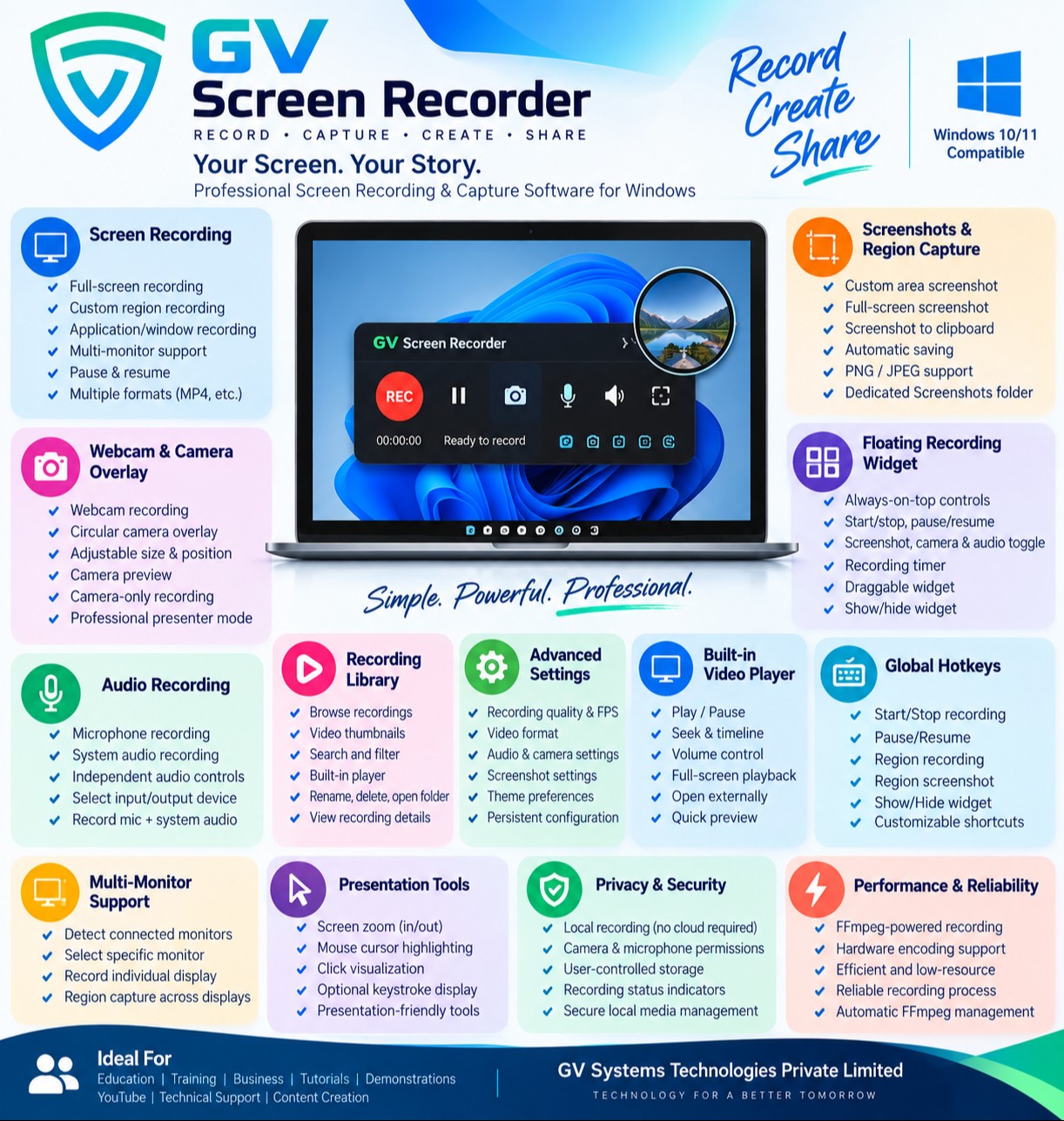
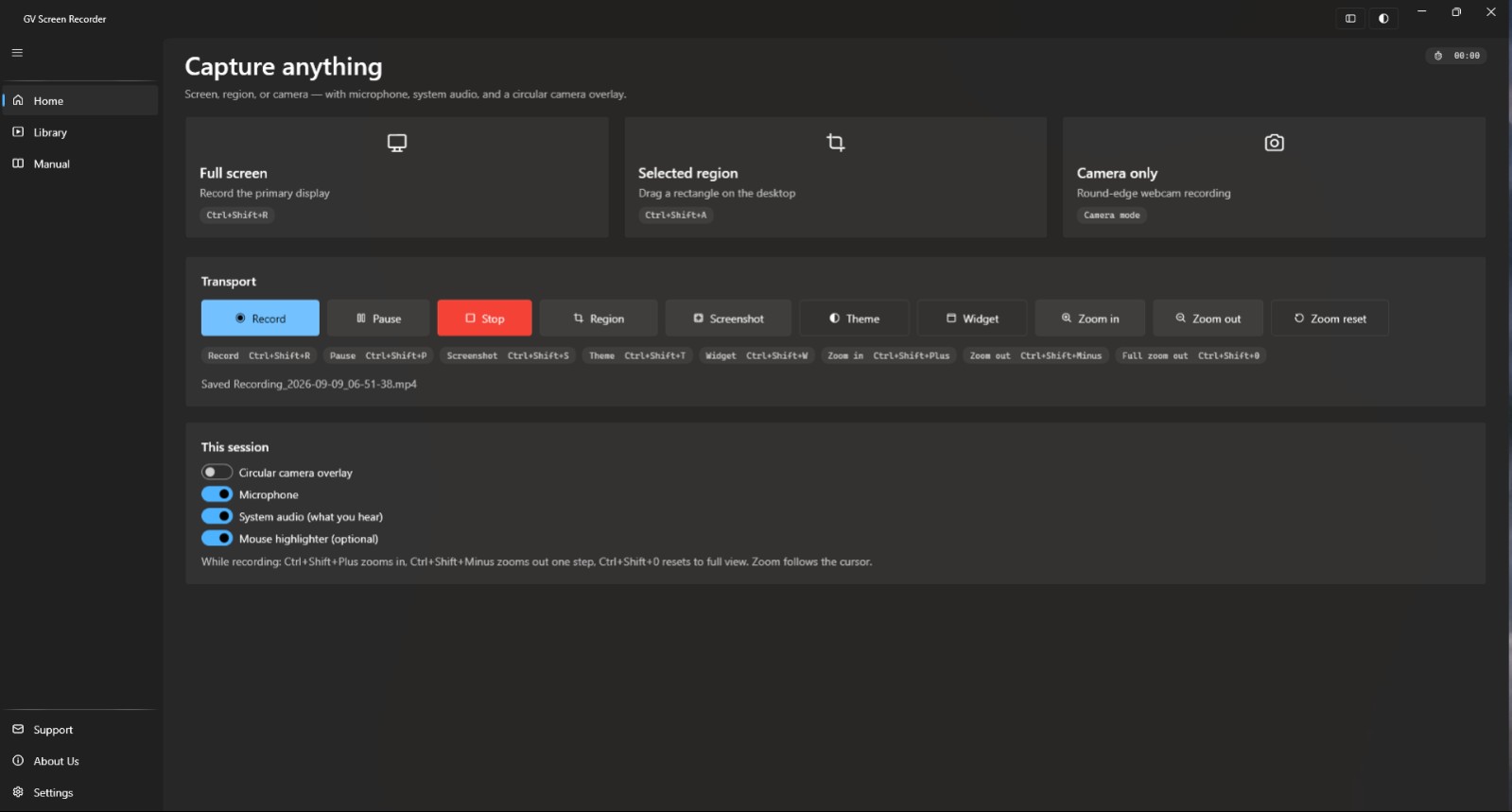
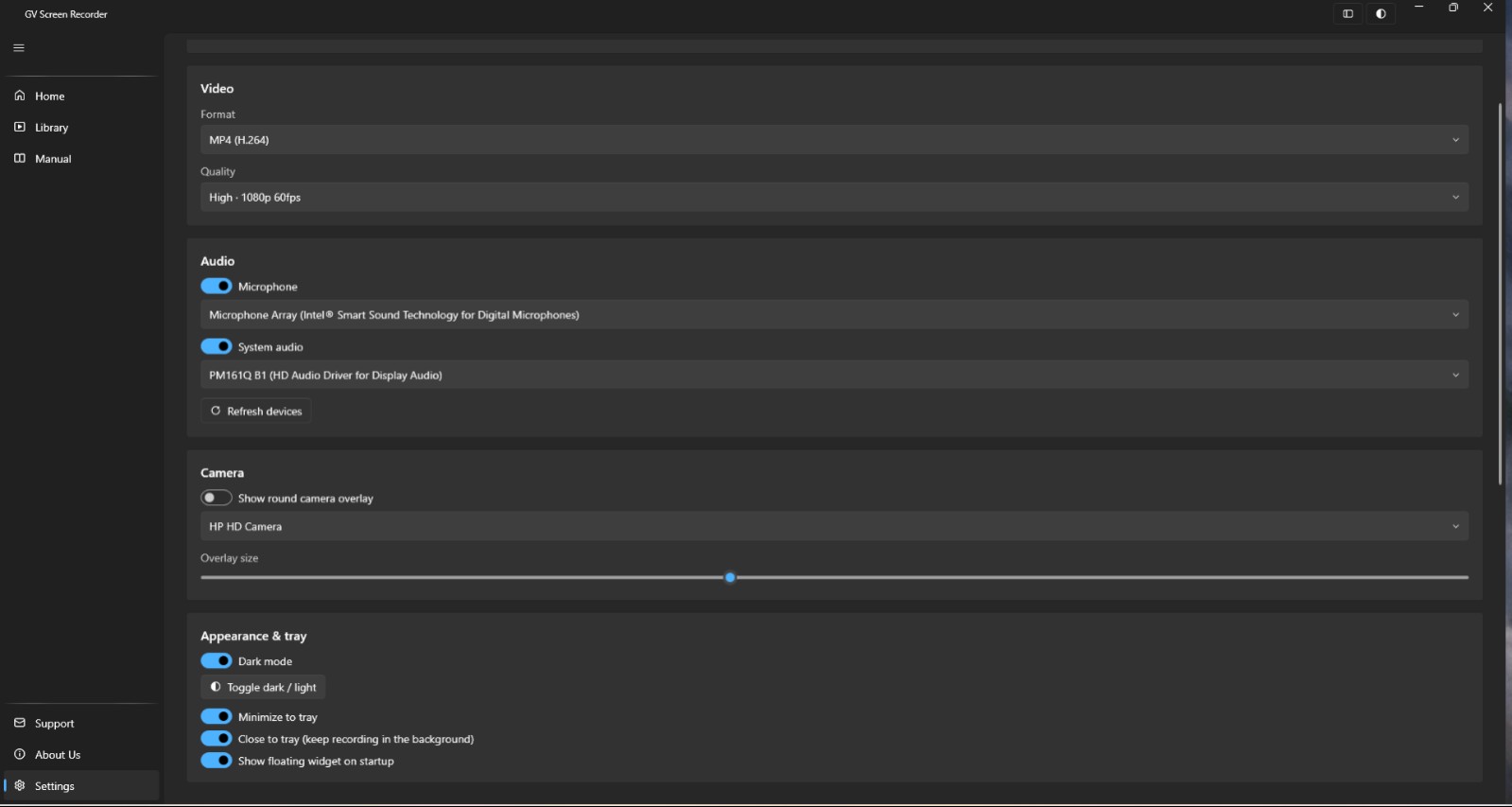
Record your entire screen, selected regions, applications, webcam, microphone, and system audio with an intuitive modern Windows interface. The built-in floating recording widget provides quick access to recording, screenshots, camera, audio, and other essential controls without interrupting your workflow.
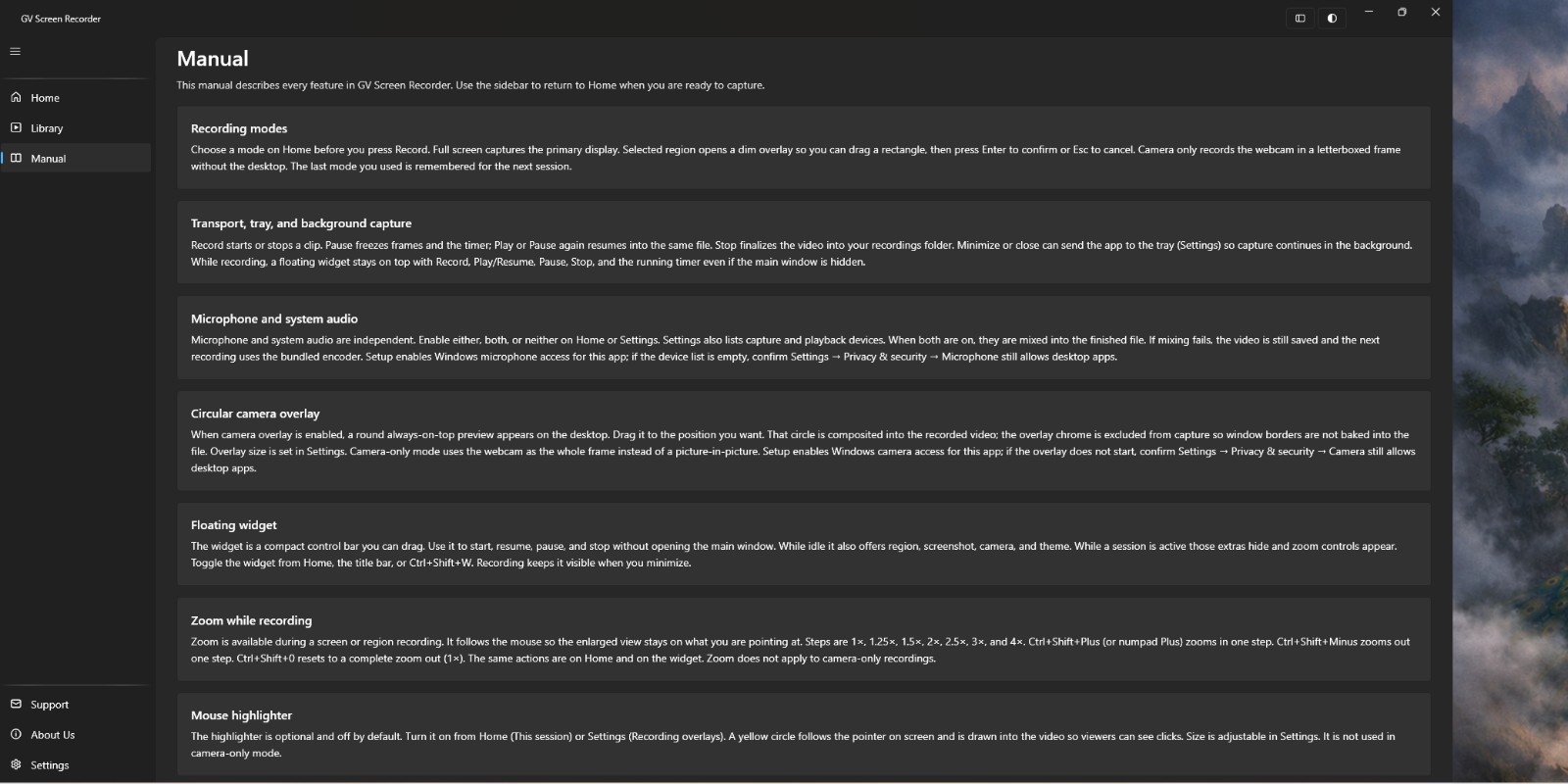
With support for region recording, circular camera overlays, screenshots, global hotkeys, system tray operation, dark/light themes, and an integrated recording library, GV Screen Recorder provides everything you need to create professional screen recordings and visual documentation directly from your Windows PC.
Key Features
Full-screen and custom-region recording
Webcam and circular camera overlay
Camera-only recording
Microphone and system audio recording
Independent microphone and system audio controls
Region screenshots with clipboard support
Floating recording widget
Global keyboard shortcuts
Windows system tray integration
Dark and light Fluent UI themes
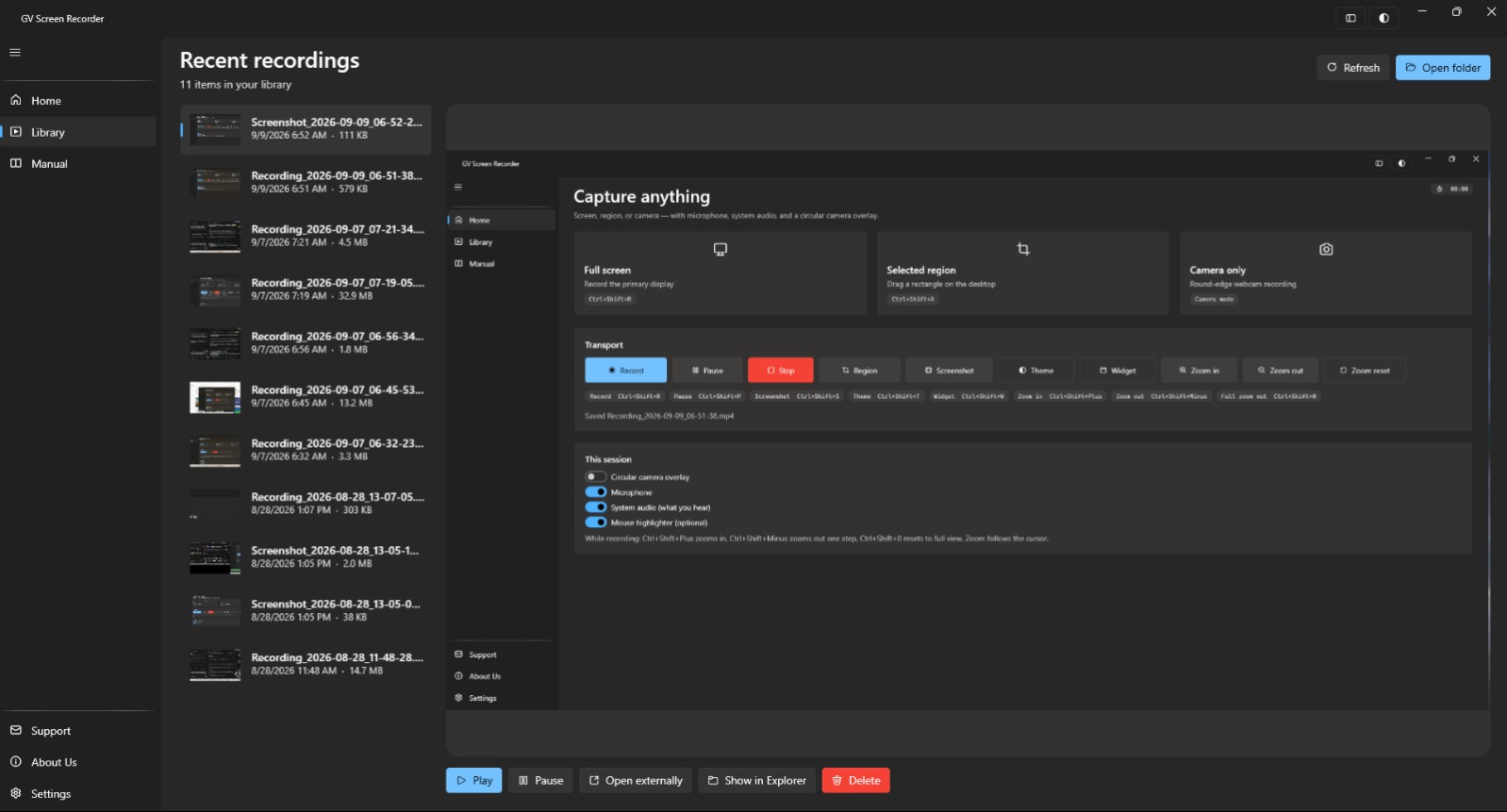
Built-in recording library
Integrated video player
Recording and screenshot organization
Configurable recording folder
Multiple video quality options
Multi-monitor support
Zoom controls
Automatic recording file management
FFmpeg-powered video processing
Local recording without mandatory cloud storage
Windows 10 and Windows 11 support
Ideal For
Software demonstrations
Online training
Tutorials and how-to videos
Product demonstrations
Educational content
Technical support
Business presentations
Employee training
Screen documentation
Remote assistance
YouTube and content creation
Software testing and documentation
GV Screen Recorder gives you a simple, professional way to record, capture, organize, and review your Windows screen content—all from one desktop application.
Relevant items
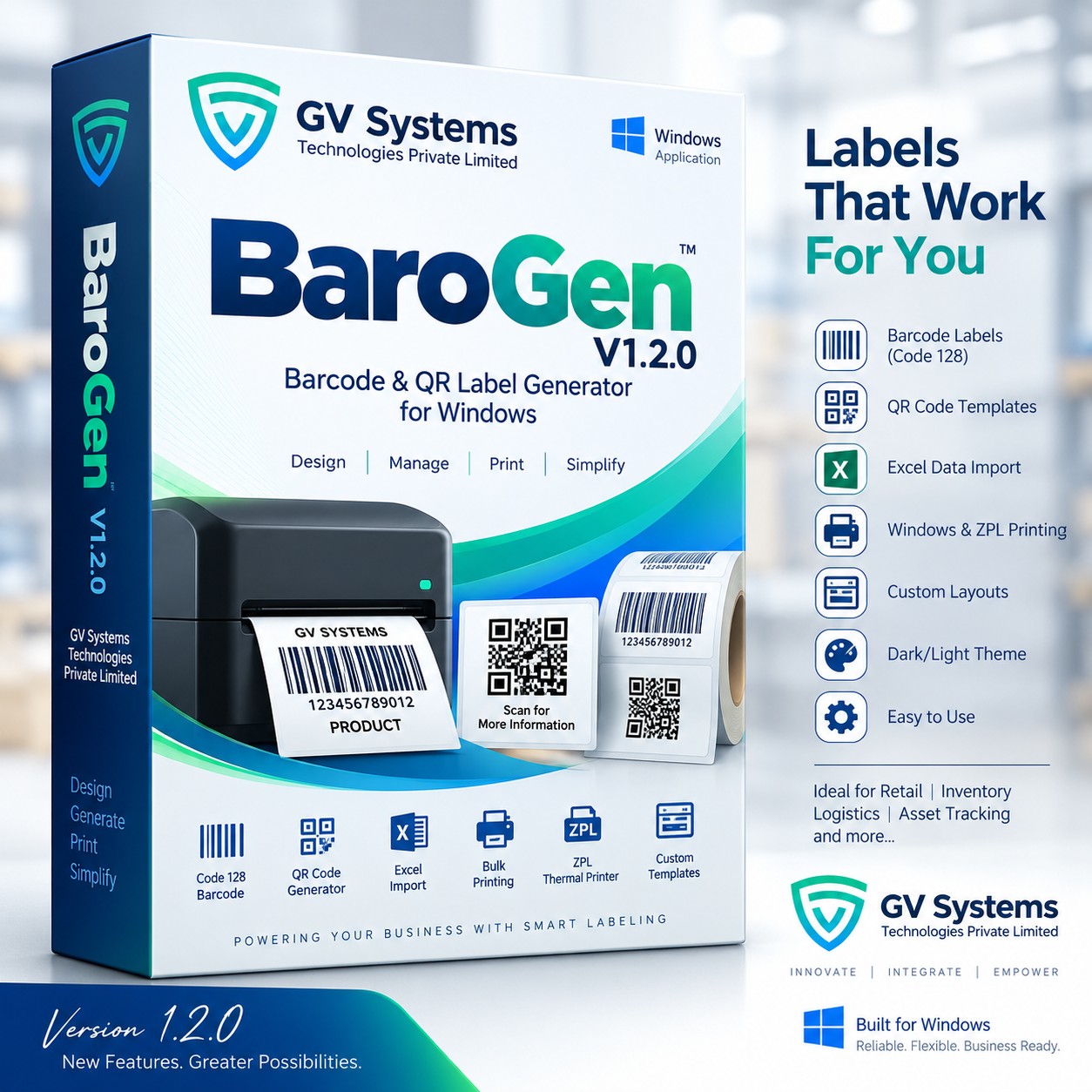
Related items
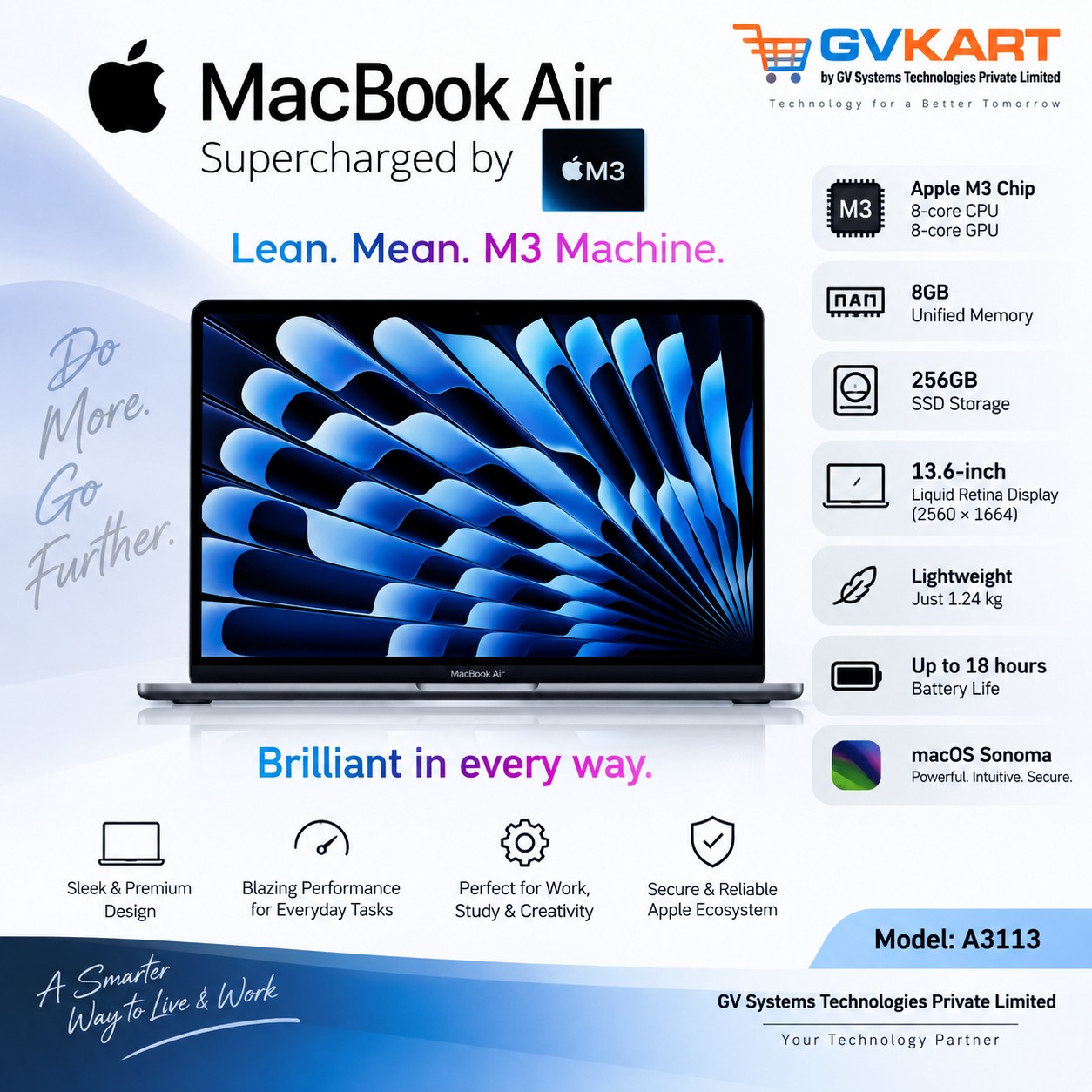
MacBook Air 13-inch M3 8GB 256GB - A3113
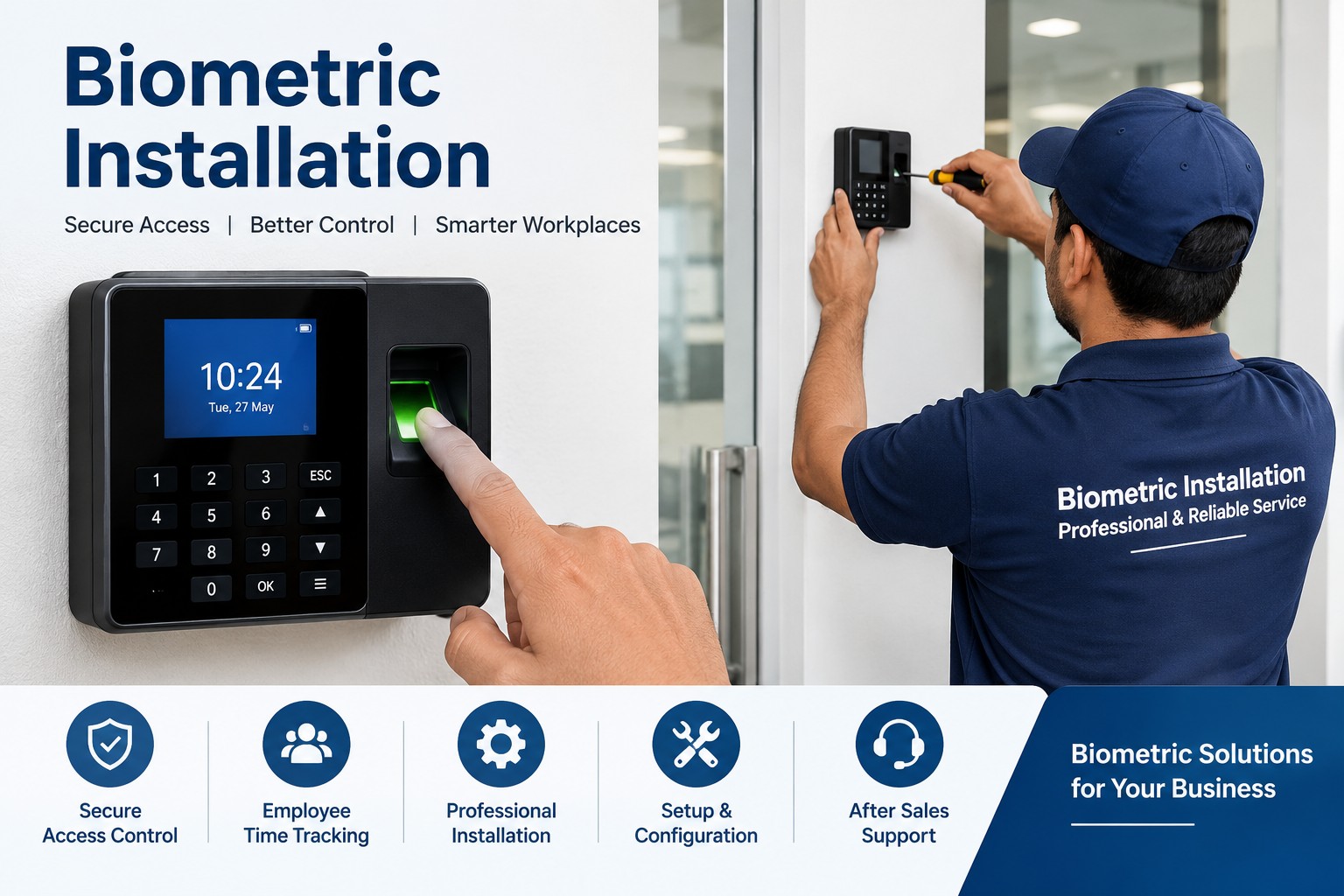
Biometric Attendance Device Installation
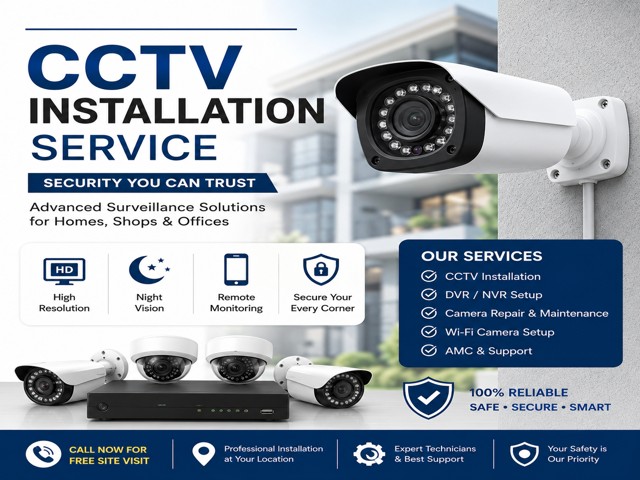
CCTV Camera Installation
ग्राहक समीक्षाएँ
No approved reviews yet.
 Privacy & Cookies